

How good is your trading really? Load your account statement from MetaTrader 5 and you get a detailed analysis: hit rate, profit factor, risk-reward, drawdown, the scatter of all trades around the zero line, and how you perform by weekday, time of day, symbol and after losses. You can print the report or save it as a PDF.
Your data stays with you. The file is read and analysed only in your browser. It is not uploaded, not stored, and nobody but you sees the numbers, not even me. Close the page and everything is gone.
See for yourself: open this page, then switch off your internet connection (for example with flight mode) and only then load your report. The analysis still works. Without a connection, nothing can be sent anywhere.
What the tool reads: only your closed positions (symbol, direction, time, lots, prices, commission, swap, result), plus the account currency and your deposits for the starting capital. Your name and account number from the report are not used.
Here is a sample report
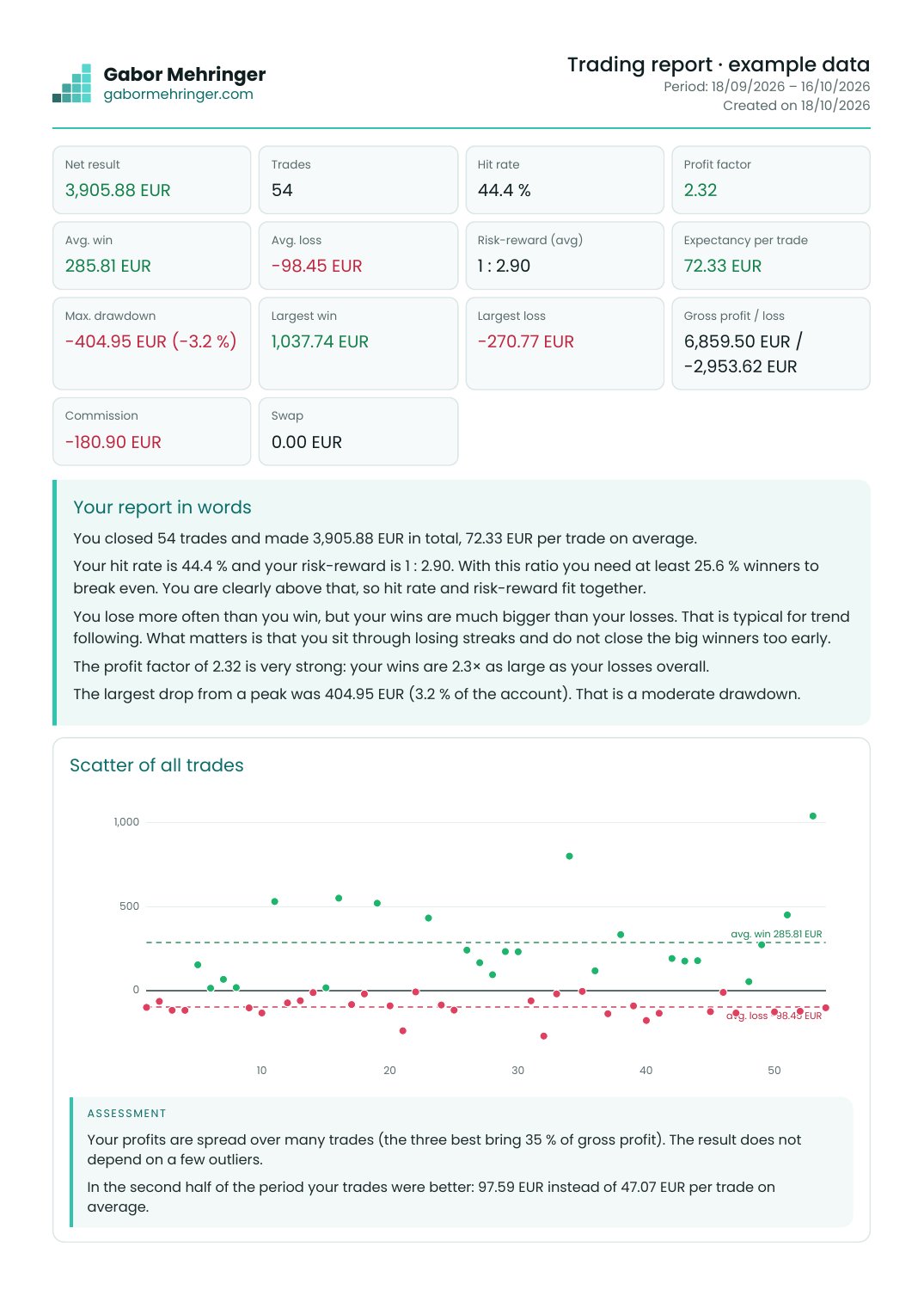
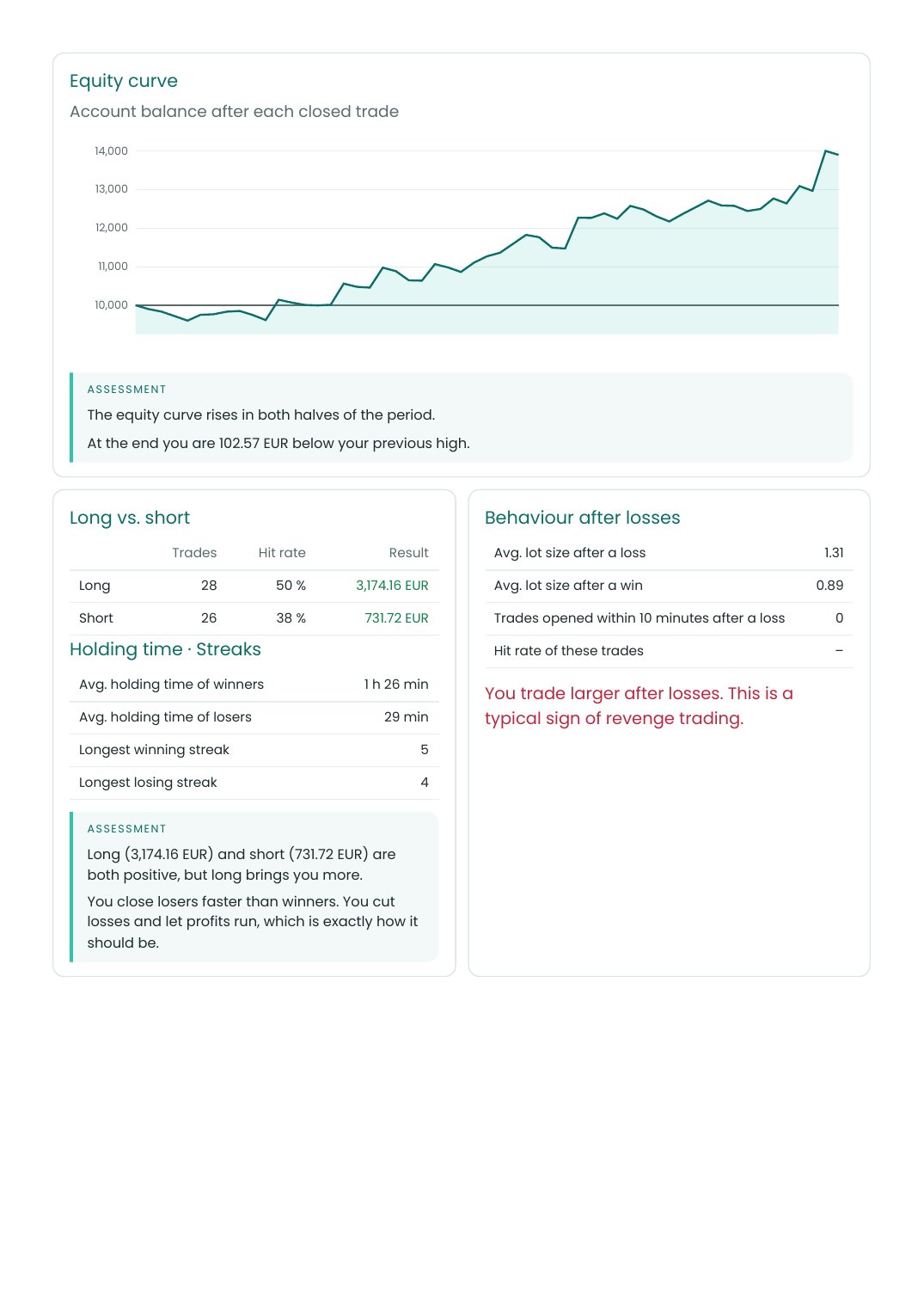
This is what your report looks like as a PDF. The figures are made-up example data.
Open the sample PDF (4 pages) →
How to create the report in MetaTrader 5
- In MetaTrader 5, click the History tab in the Toolbox at the bottom.
- Right-click in the history. In the menu, set the period, for example the last four weeks, and confirm with Enter.
- Right-click in the history again and move to Report. In the small menu next to it, choose HTML and save the file.
- Drag the saved file into the field below, or select it via “choose file”.
The analysis is for your own review and is not investment advice. Figures from past trades say nothing about future results.